DIY Baby Onesies with Iron-onRepairing Heat Transfer VinylUsing Printable Heat Transfer VinylHTV on NapkinsHTV on WoodDecorating Hats with HTV
Your folders
Your folders
Total: 15

Ingredients
Export 5 ingredients for grocery delivery
Instructions
Step 1
Upload the SVG file to the software for your Cricut machine. You can see how to do that here.
Step 2
You can then cut your design from your heat transfer vinyl. Be sure to mirror your cut and put the material face down on the mat.
Step 3
Once your design is cut, weed away all of the excess material. Weeding tools make this job easier.
Step 4
Then place your design on your onesie and press for the recommended time and temperature. All heat transfer vinyl brands are different so you will want to follow the instructions that come with what you are using. You can also see our general guide to heat transfer vinyl here.
Step 5
Once pressed, remove the transfer sheet and enjoy your new onesie!
Top similar recipes
Curated for youYour folders
 224 views
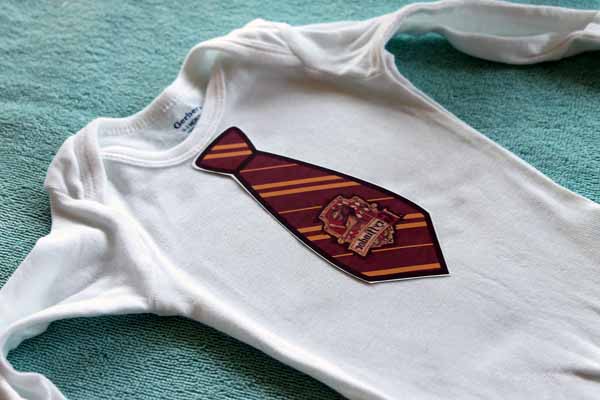
Heat Transfer Baby Onesies
thecountrychiccottage.net
Your folders
 71 views
Cutting Flocked HTV with a CricutAp...
thecountrychiccottage.net
Your folders
 150 views
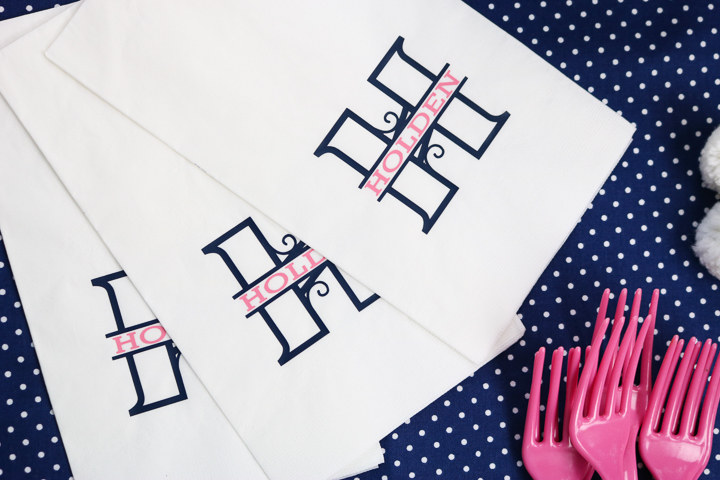
How To Make Custom Napkins Using He...
thecountrychiccottage.net
Your folders
 120 views
Manhattan Transfer
diffordsguide.com
5.0
(27)
Your folders
 158 views
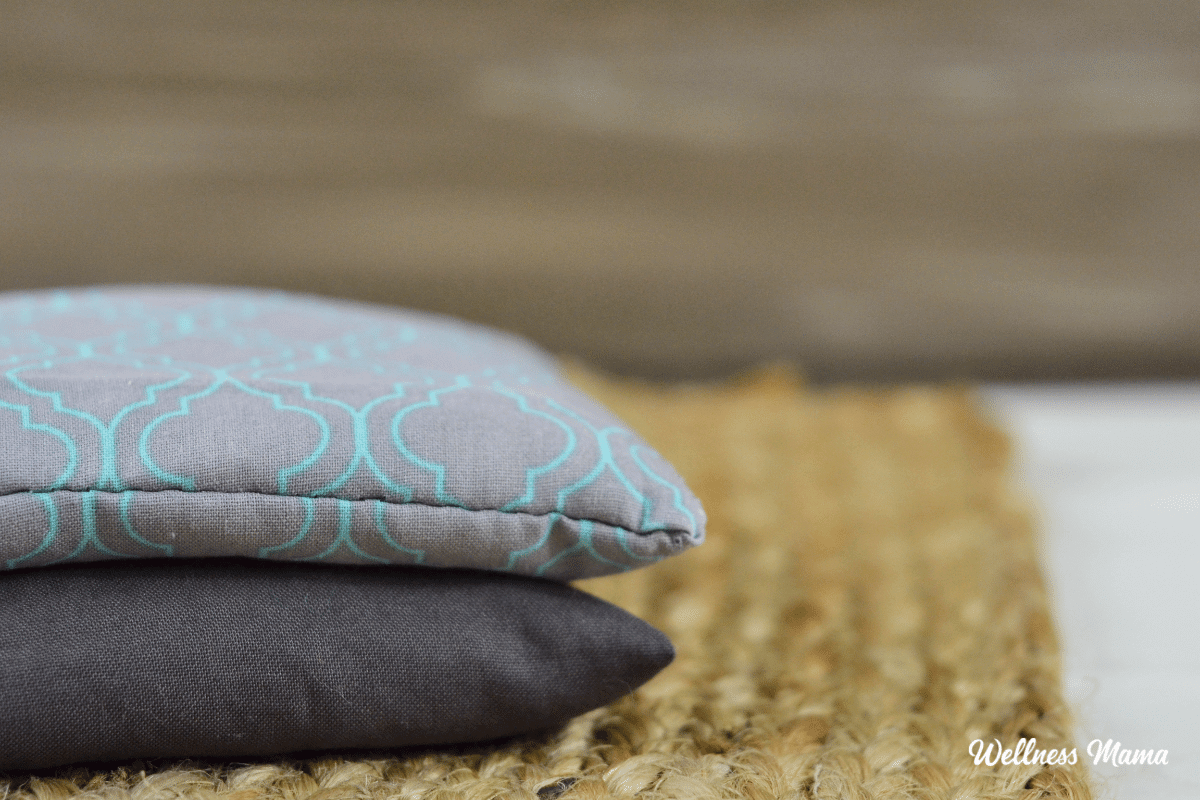
DIY Heat Pad With Rice
wellnessmama.com
Your folders
 225 views
SPRINKLE IRON ON SHOESSPRINKLE IRON...
heyletsmakestuff.com
Your folders
 52 views
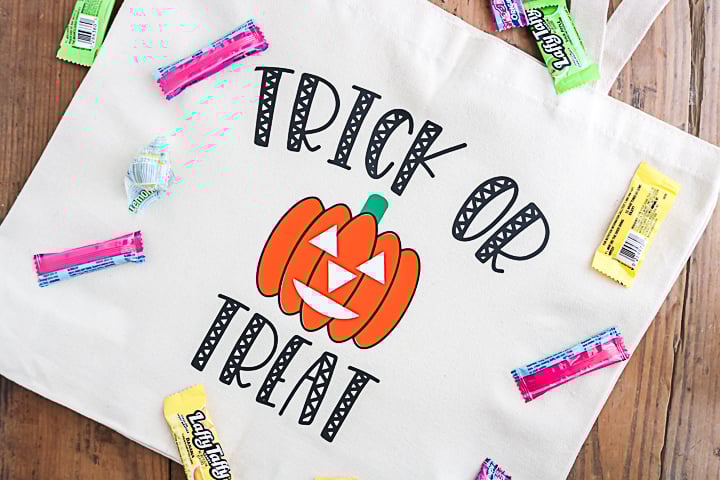
Glow in the Dark Trick or Treat Bag...
thecountrychiccottage.net
Your folders
 181 views
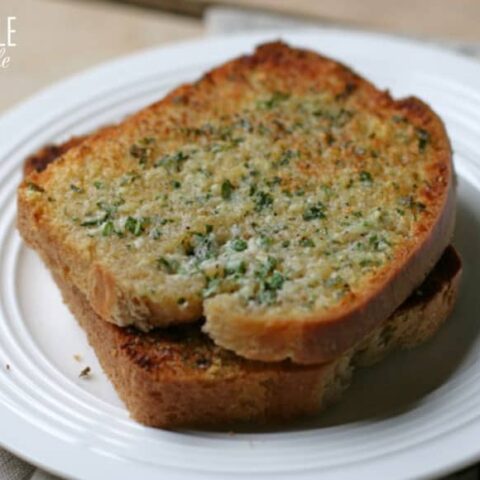
DIY Ready-to-Heat Frozen Garlic Bre...
attainable-sustainable.net
4.6
(5)
5 minutes
Your folders
 48 views
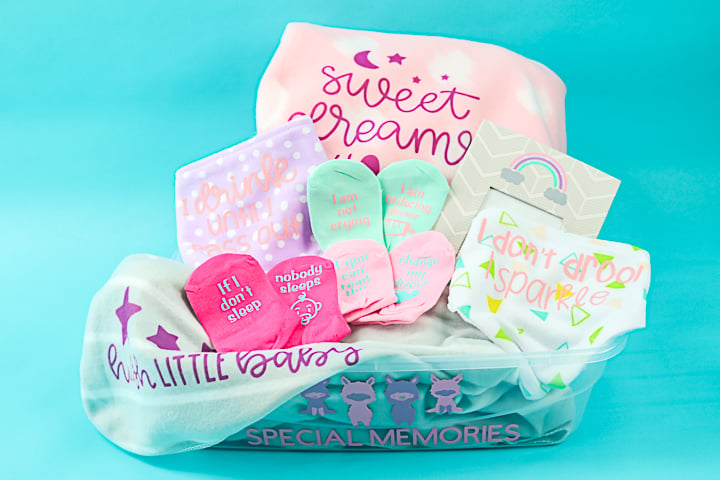
How to Add Iron-on to Baby SocksHow...
thecountrychiccottage.net
Your folders
 214 views
Sweet Heat Chicken Thighs
foodnetwork.com
4.6
(37)
50 minutes
Your folders
 285 views
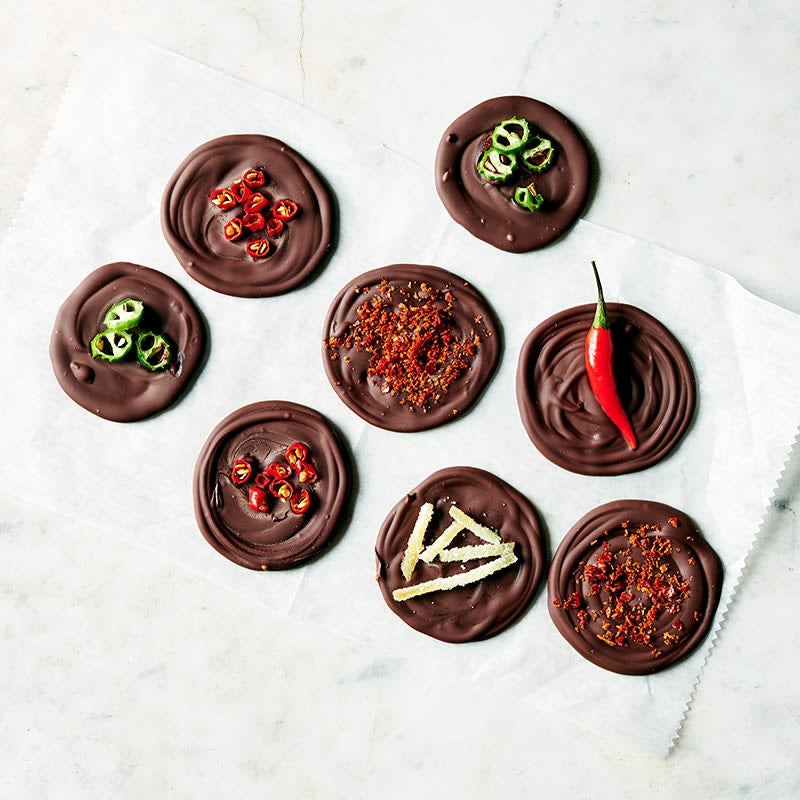
Sweet-heat chocolate disks
weightwatchers.com
61 minutes
Your folders
 215 views
Sweet Heat Garden Pickles
southernliving.com
Your folders
 157 views
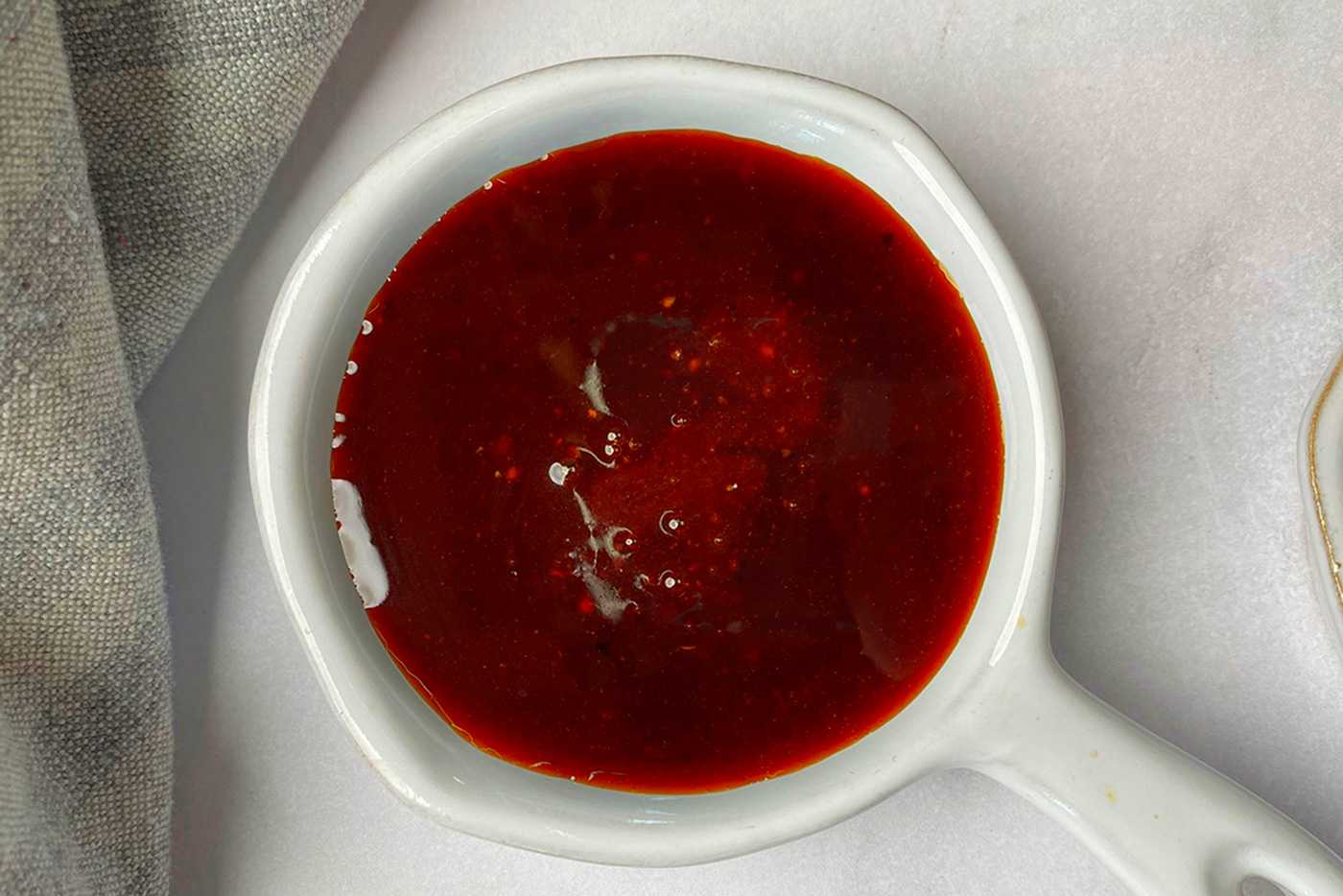
Popeyes Sweet Heat Sauce
corriecooks.com
5.0
(14)
8 minutes
Your folders
 337 views
Sweet Heat Dry Rub
sliceofjess.com
5.0
Your folders
 174 views
Heat and Eat Oatmeal
budgetbytes.com
4.6
(8)
15 minutes
Your folders
 65 views
Pan fried Turbot with Crushed Potat...
rte.ie
Your folders
 272 views
Easy High-Heat Roast Turkey With Gr...
onceuponachef.com
5.0
(36)
Your folders
 52 views
How to Etch Glass with a CricutHow ...
thecountrychiccottage.net
Your folders
 168 views
Stir-Fry Seasoning With Sweet And S...
unocasa.com
4.0
(60)