DIY Planner Tote Bag
Your folders
Your folders
Total: 15

Ingredients
Export 2 ingredients for grocery delivery
Instructions
Step 1
Upload the free planner SVG that you were sent via email and upload it to Cricut Design Space. You can get a tutorial for how to do that here.
Step 2
Cut the iron-on material with your Cricut machine. Be sure to cut the shiny side down on the mat and mirror your design before cutting. You can see a tutorial on the basics of heat transfer vinyl here.
Step 3
Weed away all of the excess then press onto the front of your tote bag. You can use an EasyPress, heat press, or an iron for this.
Top similar recipes
Curated for youYour folders
 241 views
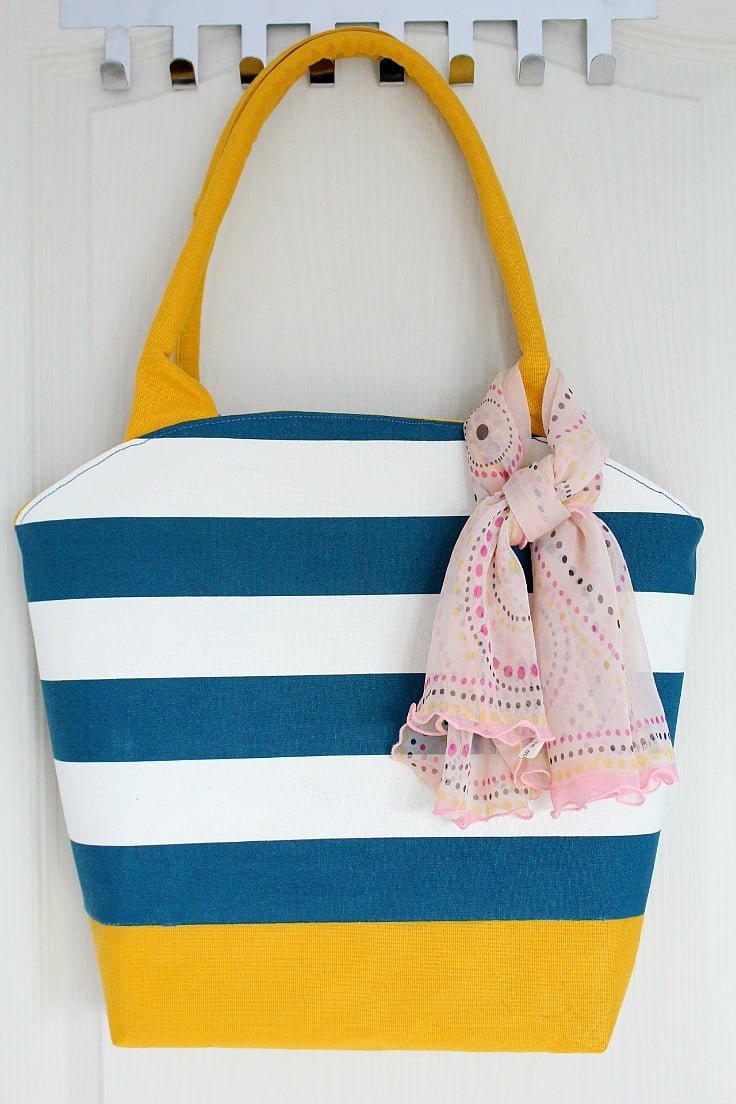
Canvas tote bag patternCanvas tote ...
theseamanmom.com
Your folders
 240 views
Tote Bag Pattern
crazylittleprojects.com
Your folders
 64 views
15 Minute DIY Tote Bag No Sew For B...
happydealhappyday.com
5.0
(2)
Your folders
 83 views
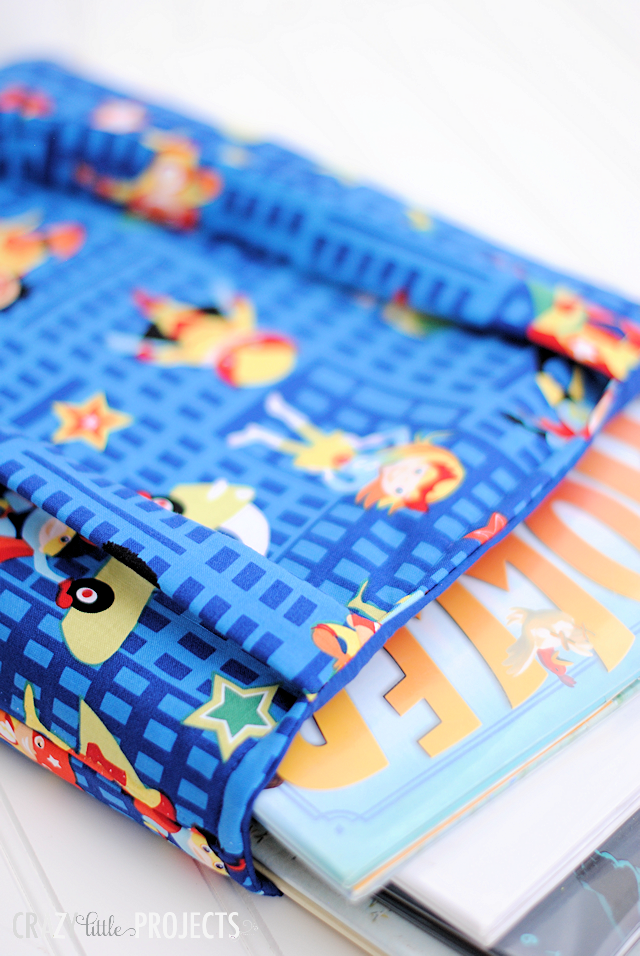
Kid's Library Tote Bag Pattern
crazylittleprojects.com
Your folders
 178 views
Meal Planner
spoonacular.com
Your folders
145 viewsMeal Planner
spoonacular.com
Your folders
228 viewsMeal Planner
spoonacular.com
Your folders
 81 views
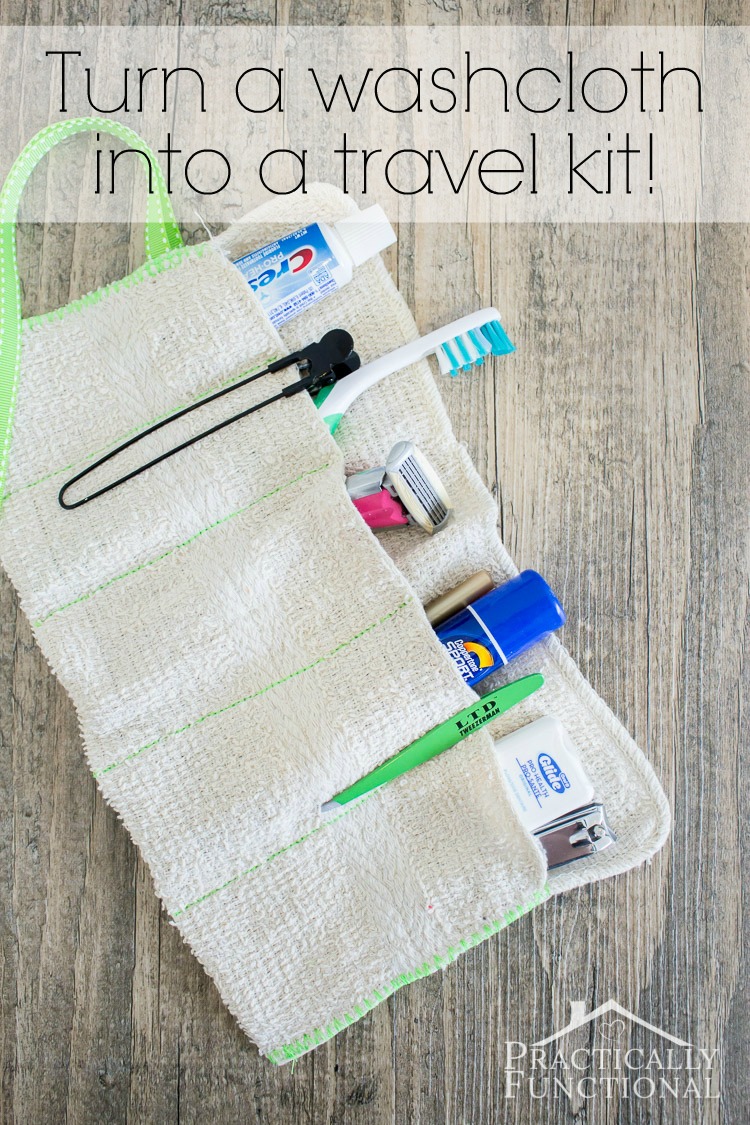
DIY Roll-Up Toiletry Bag Made From ...
practicallyfunctional.com
Your folders
 231 views
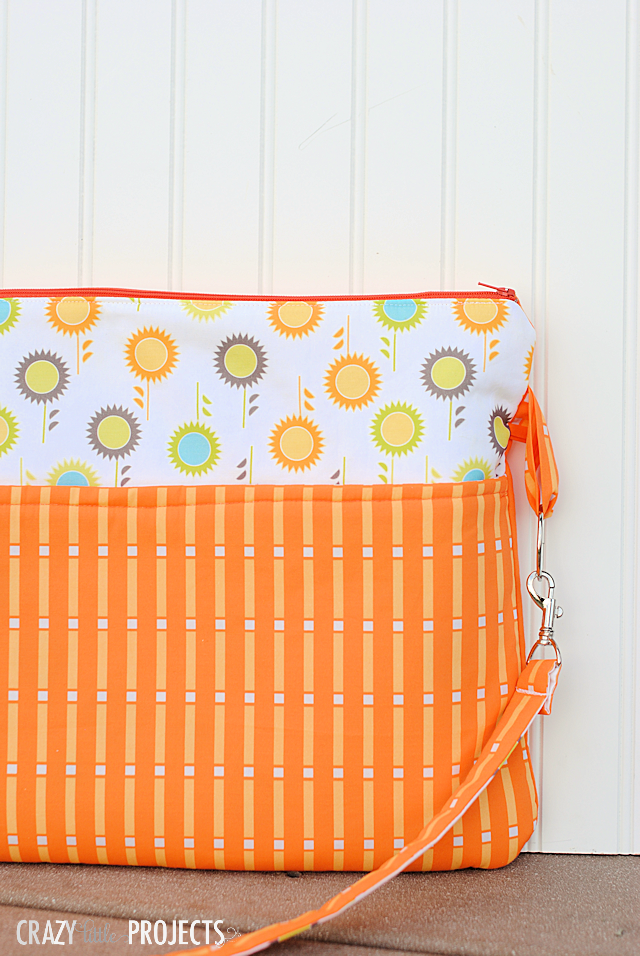
Laptop Bag Pattern
crazylittleprojects.com
Your folders
 294 views
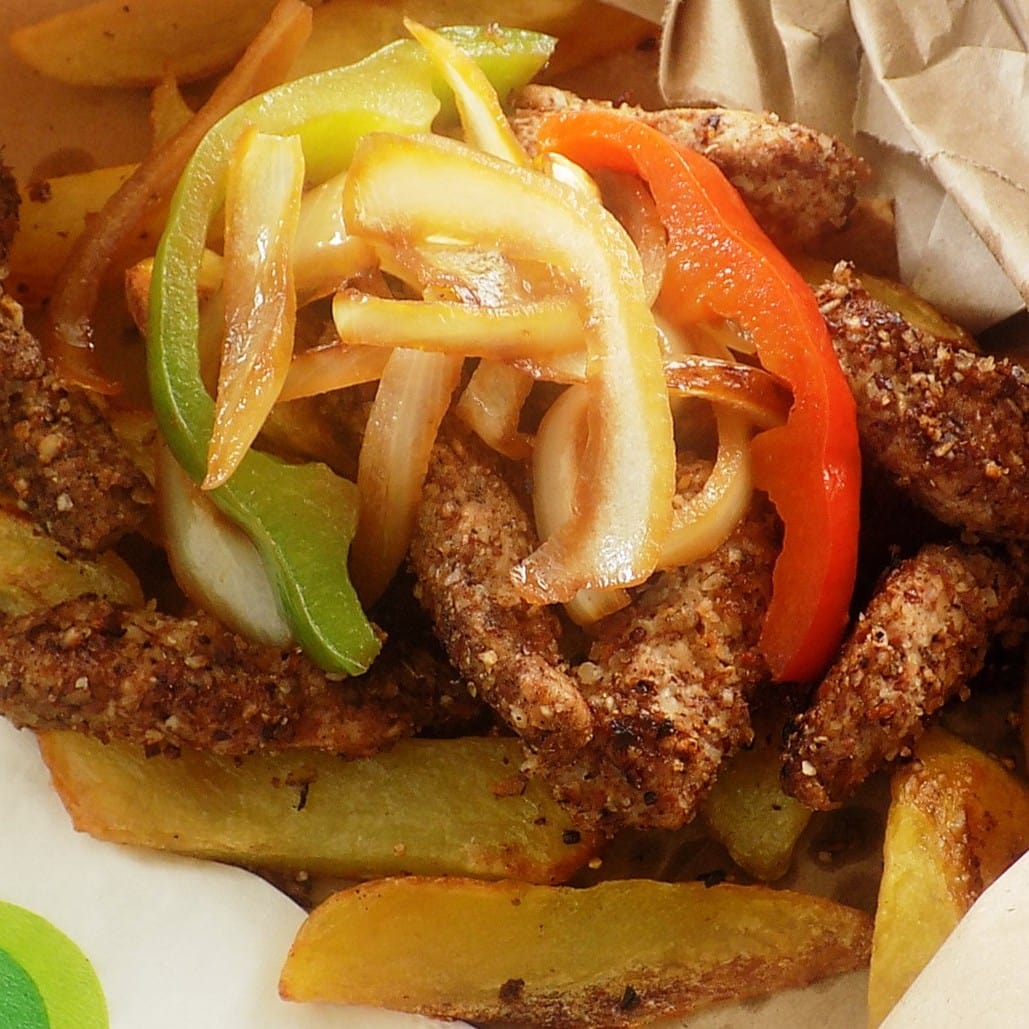
Spice bag - Wikipedia
en.wikipedia.org
Your folders
 255 views
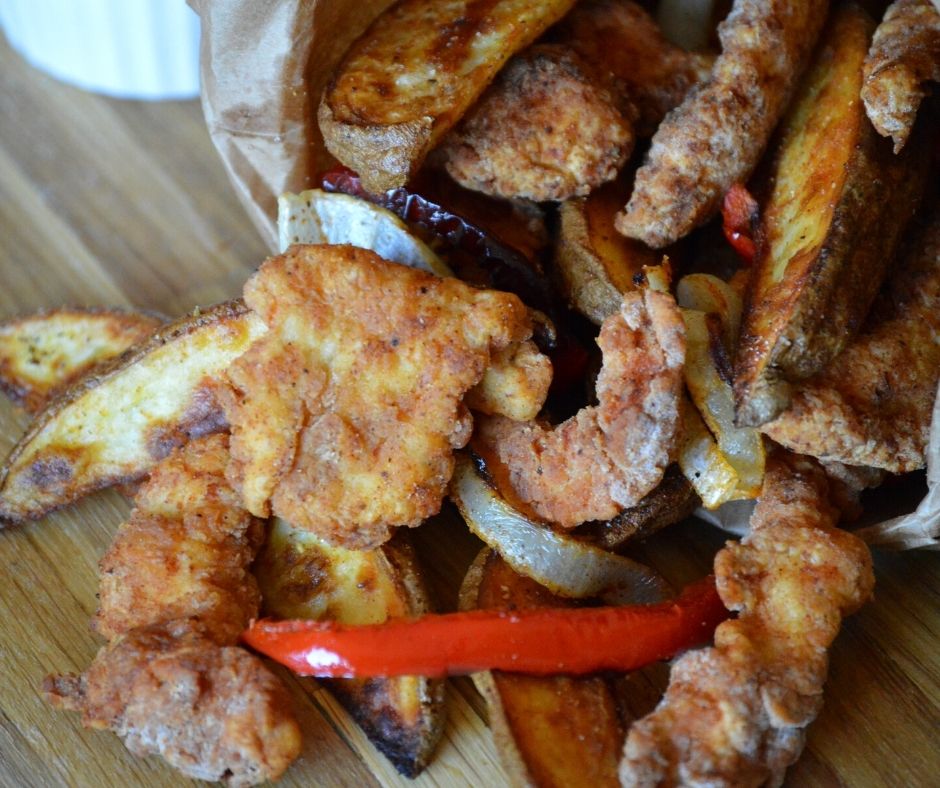
Dublin Spice Bag
spicebreeze.com
Your folders
 250 views
Spice Bag Recipe
homecooksclassroom.com
3.0
(1)
60 minutes
Your folders
 163 views
Brown-Bag Burritos
tasteofhome.com
4.8
(12)
20 minutes
Your folders
 86 views
Bless Beauty Balm Menu ...
leahlaniskincare.com
Your folders
 784 views
Bread In A Bag
delish.com
3.9
(7)
Your folders
 556 views
Turkey, Roasting Bag Method
justapinch.com
5.0
(1)
2 hours
Your folders
 293 views
Garbage bag Snack Mix
justapinch.com
5.0
(1)
Your folders
178 viewsFreezer Bag Chicken Primavera
foodnetwork.com
4.5
(11)
30 minutes
Your folders
 317 views
Steak In A Bag
food.com
4.5
(5)
40 minutes